PolySwarm Inside MISP
Enrich the file hashes in your MISP events with PolySwarm verdicts and sandbox reports, without leaving MISP. Built by CIRCL and included in the official misp-modules.
What the Modules Do
Hash Lookup
Enrich an MD5, SHA-1 or SHA-256 attribute. MISP gets a file object with the other hashes, file name, type and size, plus the scan verdicts and a permalink to the full result on PolySwarm.
Sandbox Reports
Look up the sandbox report for a SHA-256, from CAPE or Triage, and add it to the event. Look up an earlier task by its ID too.
Submit for Detonation
Send a sample PolySwarm already has to the sandbox from the same menu. Detonations can use service credits, so submission is something you choose to switch on.
Community Scoping
Choose which PolySwarm community the modules search, and cap how many results come back per lookup.
Correlation
Hashes added by the modules are ordinary MISP attributes, so MISP's own correlation links the event to every other event that holds the same sample.
Safe by Design
Lookups never upload or rescan a file. New attributes are not flagged for IDS export, so enrichment cannot push data into your detection rules by accident.
See It in MISP
Screens from a MISP 2.5 instance. Select any image to see it full size.
How Teams Use It
Event Triage
Enrich the file hashes in an incoming event and see right away which ones PolySwarm's engines call malicious.
Sharing With Context
Attach verdicts and a permalink to the indicators you share, so the people receiving them can check the evidence themselves.
Behavior on Demand
Pull the sandbox report for a sample, or send a known sample for detonation, without leaving the event.
Get Started in Minutes
Enable misp-modules
Run misp-modules 3.1.1 or later and turn on enrichment services in MISP's plugin settings
Enable the PolySwarm Modules
Switch on the PolySwarm Enrichment and PolySwarm Sandbox expansion modules
Enter a Dedicated Key
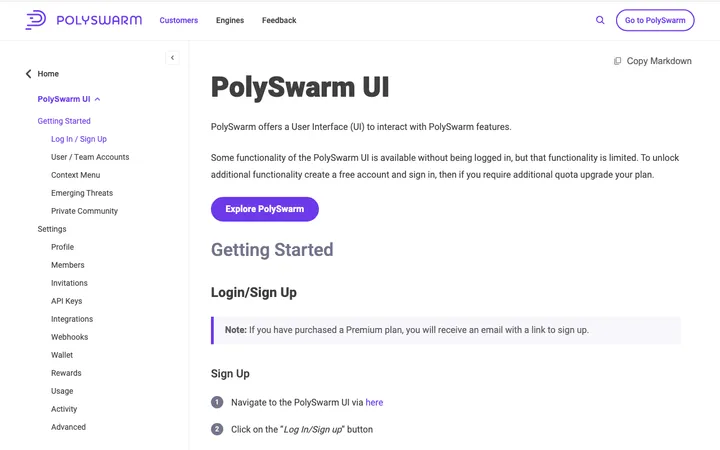
Create a PolySwarm API key just for MISP. MISP shows module API keys to admins, so do not reuse a personal key
Enrich
Open the enrichment menu on a hash attribute and choose a PolySwarm module
Bring PolySwarm Into MISP
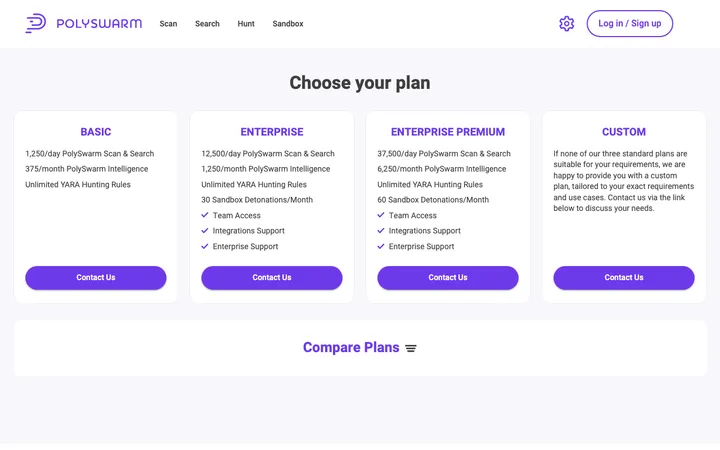
The modules are free and open source. Use them with your PolySwarm API key, or talk to us about a plan.